



Thor Fortune on mobile devices
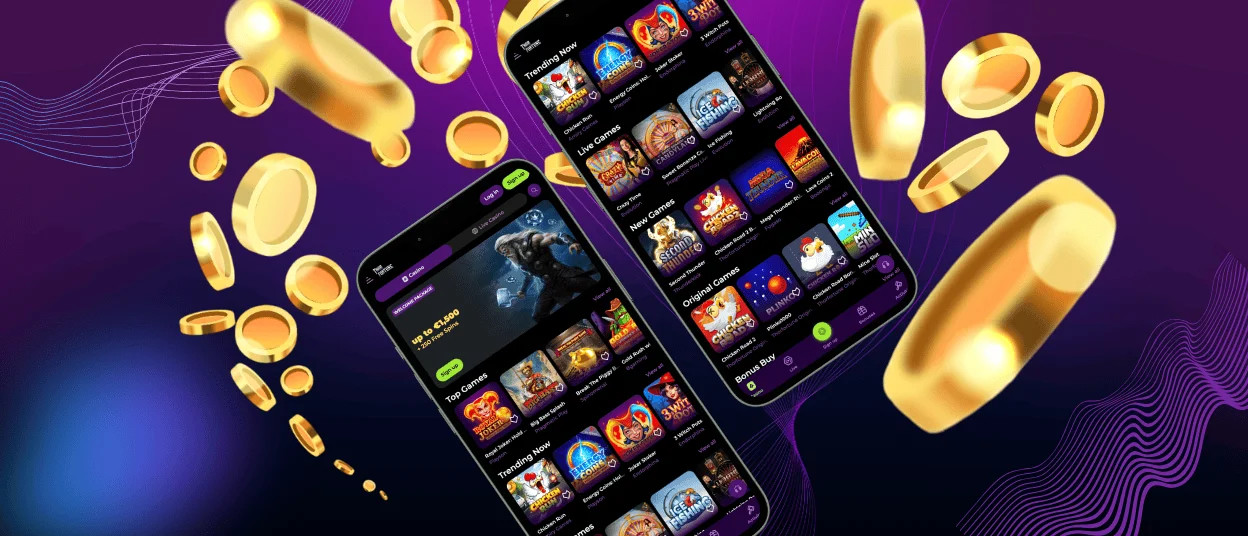
The Thorfortune app can be used on phones and tablets as well as on computers. The mobile version is built with everyday use in mind: clear navigation, quick access to game categories, and stable performance on smaller screens. It’s designed for people who want to play while away from a desktop setup, whether that’s at home or on the go.

Thorfortune mobile access
To fit different devices and user preferences, Thorfortune offers more than one way to access the platform on mobile. These options are intended to keep performance consistent and reduce unnecessary setup steps.
Why choose mobile instead of desktop?
- open slots, live dealer games, and other sections without sitting at a computer;
- use a streamlined interface that works well on touchscreens;
- switch between quick sessions on the go and longer sessions at home.
In general, the mobile experience is optimized to be responsive and fast to load, with simplified menus and fewer steps to reach key features.
Thorfortune on iOS
On Apple devices, Thorfortune is available as a Progressive Web App (PWA), which runs through the browser and can be added to your home screen. The iOS setup is built to work smoothly on iPhone and iPad, with access to the same core areas—games, promotions, and account tools—through a mobile-friendly dashboard.
Updates are handled through the web version, so you typically don’t need to download separate files to stay current.
Thorfortune on Android
On Android, Thorfortune also uses a PWA format, compatible with a wide range of phones and tablets. The layout is designed to make it easy to move between game categories, promotions, and account management.
Since it’s browser-based, it generally updates automatically as the platform changes, without requiring manual re-installation.
PWA
A PWA is essentially a website that behaves more like an app:
- it loads quickly and adapts well to mobile screens;
- it can be added to the home screen for easier access;
- it doesn’t usually require extra storage like a traditional installed app.
The PWA version can also include platform functions such as live chat, responsible gaming tools, and access to verification-related steps when needed.
Compared with older APK-style installs, a PWA is typically simpler to maintain and reduces the need for manual updates.
| Software | Method of Access | Storage needs | Updates | Main advantage |
| PWA (iOS/Android) | Browser (Safari, Chrome, etc.) | Minimal | Usually automatic | Quick access without app stores |
| APK | Downloaded install file | Requires device storage | Often manual | Works as a standalone install |
| Windows/Mac | Desktop applications | Depends on the app | App-based | Comfortable on larger screens |
Windows and Mac applications
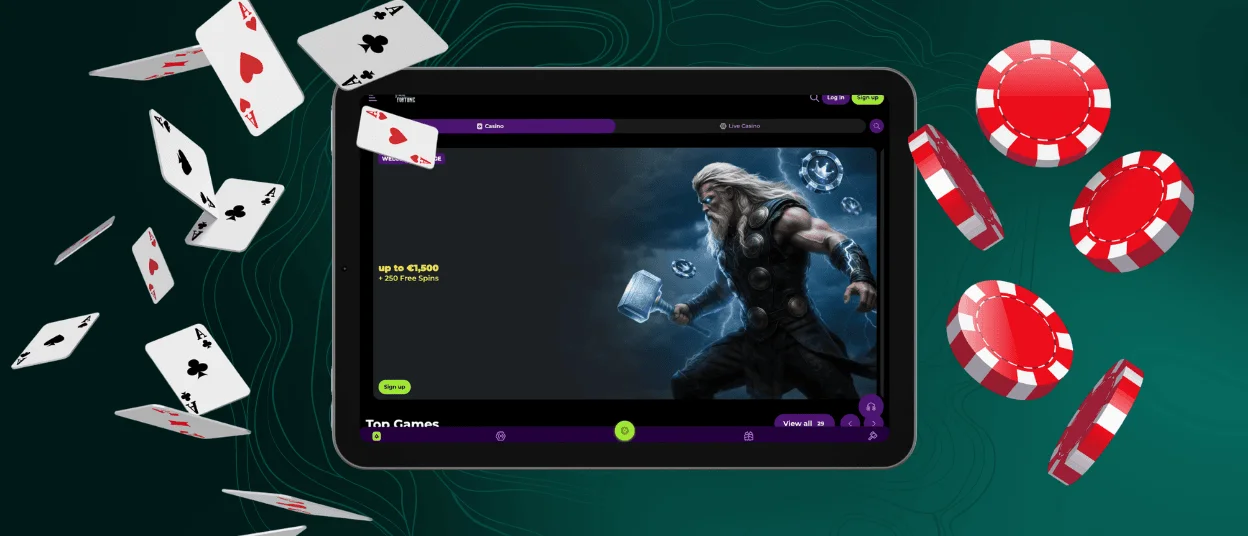
For players who prefer desktop play, Thorfortune also supports Windows and macOS options. Desktop versions are typically chosen for the larger interface, which can be more comfortable for live dealer formats and longer sessions. They usually include the same essentials as mobile—navigation across sections, account tools, and access to support—just in a layout designed for a bigger screen.
FAQ
Is creating an account required to use the Thorfortune app?
Yes — an account is generally needed to use the mobile platform properly. You’ll be asked to sign up, and in some cases complete identity verification, to unlock the full set of features. After that, you can access the main sections like slots, live dealer games, and available bonuses. Having an account also makes it possible to use payments securely, join promotions, and contact support when needed.
Does the Thorfortune app offer customer support?
Yes. Thorfortune provides support through live chat and email, so you can reach out in the way that’s most convenient. This is useful for technical issues, questions about your account or verification, and general requests. The goal is to keep problems from dragging on and to help you get back to using the platform without unnecessary interruptions.
How do I update the Thorfortune app?
You usually don’t need to update anything manually. Since Thorfortune runs as a PWA, new features and game additions are rolled out automatically on the platform side. In most cases, the latest version loads on its own when you reopen the app or refresh the page, so you don’t have to download or reinstall anything.


